
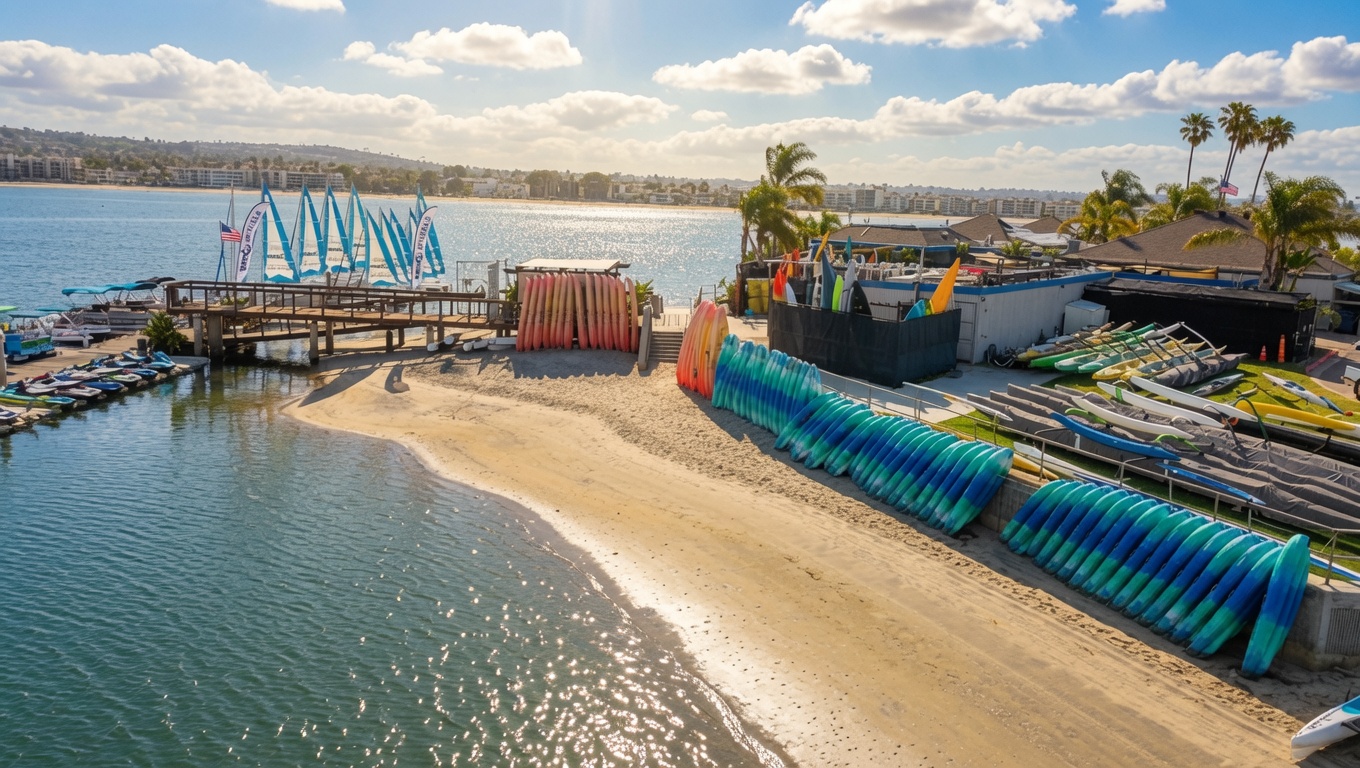
Mission Bay rental guide
What to Expect Before Your Mission Bay Rental
Plan a smooth boat, jet ski, kayak, paddleboard or sailboat rental in San Diego. Learn when to arrive, what to bring, how check-in works and what happens before you launch from Mission Bay Sportcenter.
- Allow time for parkingSpaces can be limited on busy days.
- Life jackets normally includedProvided with the applicable safety briefing.
- Mission Bay onlyNo ocean, inlet or swimming zones.
- Questions before arrival?Call 858-488-1004.
From reservation to launch
Your Mission Bay rental, step by step
Book the equipment you want, arrive prepared and follow the front desk and dock teams through each rental-specific step.
-
Choose and reserve
Use the live booking calendar for current rates, start times and equipment availability. Booking ahead is recommended on weekends and holidays.
Compare Mission Bay rentals -
Arrive early
Plan to arrive about 30 minutes before a standard rental. Large groups should allow 30 to 45 minutes, plus extra time for traffic and parking.
See location and parking details -
Check in
Present a government-issued photo ID and credit card at the front desk. Every guest completes the applicable waiver and check-in steps.
Your waiver may arrive separately -
Prepare for the water
Bring only what you need. Lockers may be available for an additional charge, so ask the front desk about current availability and pricing.
Pack light and expect to get wet -
Get fitted and briefed
Life jackets and the required safety briefing are normally included. Staff explain operating boundaries and equipment-specific instructions.
Prepare for a jet ski rental -
Launch and return on time
Follow the approved route and staff instructions. Begin returning early enough to be back at the dock by your scheduled end time.
View the Mission Bay map
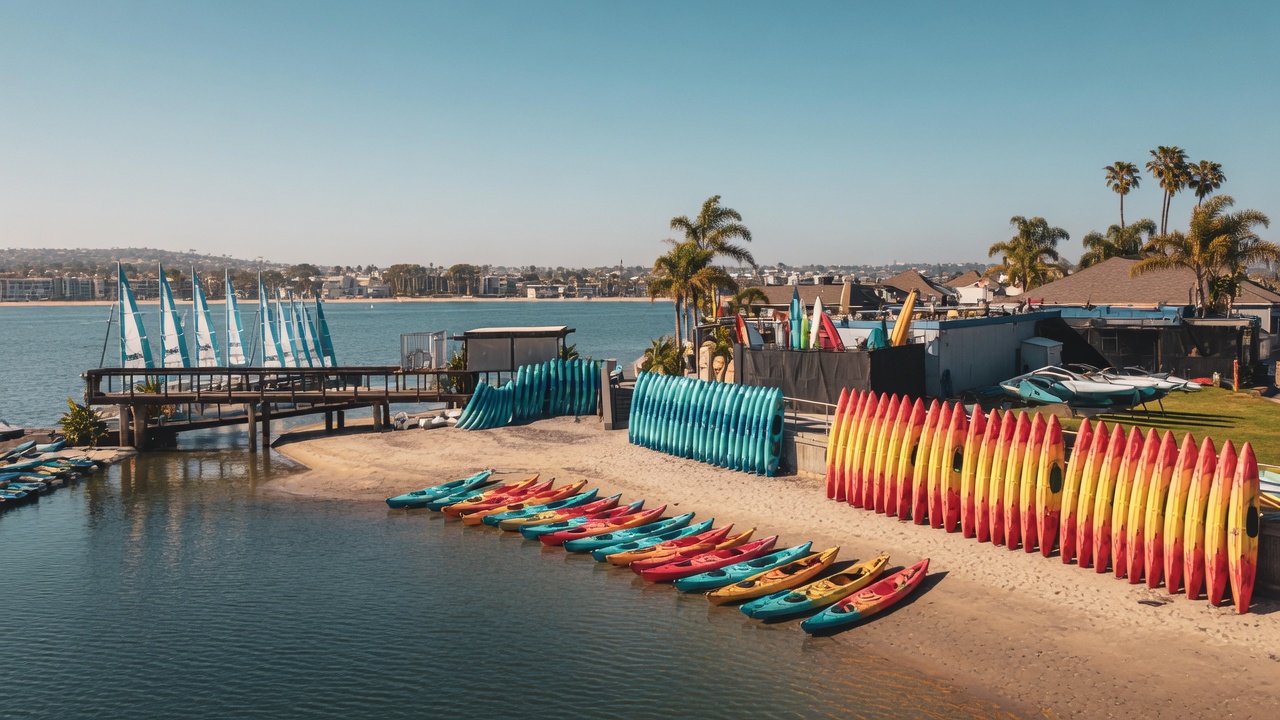
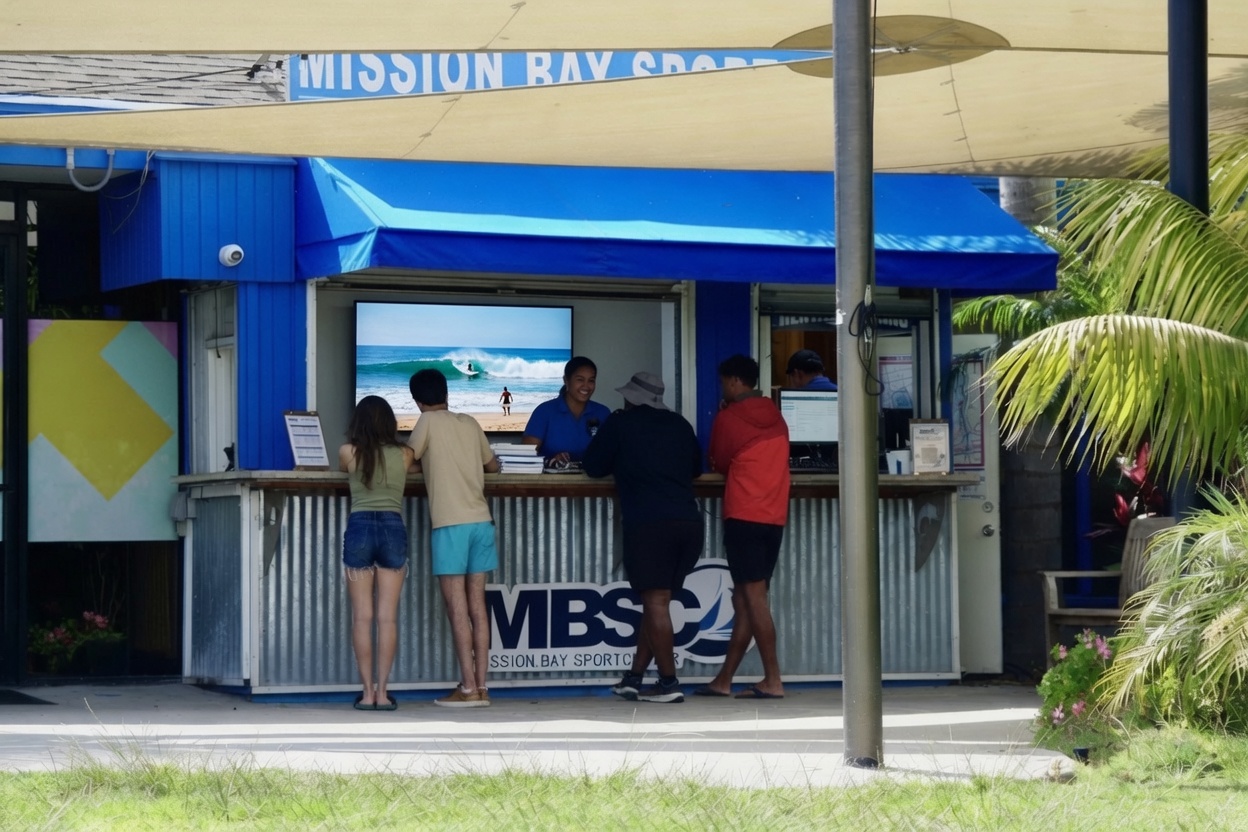 Start at the front desk with the items required for your reservation.
Before you leave home
What to Bring for Your Mission Bay Rental
Pack light, dress for the water and leave extra time for parking. Requirements can vary by rental, but this list covers the essentials for most visits.
Required at check-in
- Government-issued photo ID
- Credit card presented at the front desk
- Completed waivers for applicable guests
- Every operator who will drive powered equipment
Recommended for the water
- Sunscreen and drinking water
- Towel and dry change of clothes
- Secure hat or sunglasses
- Waterproof phone protection
Locker availability and pricing are live. Lockers may be available for an additional charge. Ask the front desk when you arrive and avoid bringing unnecessary valuables.
Know before you launch
Requirements, safety and Mission Bay boundaries
The rental agreement, current conditions and dock-team instructions always control. These are the most important rules to understand before arrival.
Powered rental requirements
Before renting a jet ski, pontoon or ski boat
Every eligible operator completes the applicable check-in, safety and temporary rental authorization process before taking control.
- The primary renter must be at least 21 and present at check-in.
- Every powered-equipment driver or operator must be at least 18.
- Guests generally do not need to arrive with a California Boater Card for an MBSC rental.
- Our jet skis allow up to 3 riders and a 400-pound combined maximum.
- Release of equipment depends on conditions and staff safety approval.
- A 10% fuel fee and 10% concession fee apply to powered rentals.
Approved operating area
Where you can go on your Mission Bay rental
Your dock briefing includes the current route and equipment-specific rules. Ask before departure if any boundary is unclear.
- All Mission Bay Sportcenter rentals remain inside Mission Bay.
- Do not enter the ocean, jetty, inlet or designated swimming zones.
- Pontoons and ski boats may not be beached or anchored.
- Towing tubes, skiers, wakeboarders or other devices is not permitted.
- Do not assume a particular bridge is approved. Confirm your route with the dock team.
- Follow posted signs, markers and all staff or enforcement instructions.
Plan the whole visit
What is included, weather updates and return timing
Use the live calendar for current pricing and start times, then review the rental-specific terms attached to your reservation.
Normally included
The base rental normally includes the reserved equipment, applicable life jackets and required safety briefing. A 10% concession fee applies to equipment rentals; powered rentals also include a 10% fuel fee.
View live pricing and availabilityWeather and conditions
Hours, launch decisions and equipment availability can change with weather, daylight and seasonal conditions. Staff may delay or decline an unsafe launch. Current cancellation and rescheduling terms apply.
Call about today’s conditionsReturn by your end time
Begin your return early enough to be back at the dock by the scheduled end of the rental. Extensions require approval before time expires and depend on equipment availability. Follow dock directions and return all issued gear.
Read the complete rental FAQPre-arrival answers
Questions before your Mission Bay rental
These short answers cover the questions that most often affect arrival and launch. Visit the full FAQ for equipment-specific details.
How early should I arrive for my rental?
Arrive about 30 minutes before a standard rental. Large groups should allow 30 to 45 minutes, plus extra time for traffic, parking, waivers and group coordination.
What do I need at check-in?
The primary renter must present a government-issued photo ID and credit card. All applicable guests complete required waivers, and every powered-equipment operator completes the required safety process.
Do I need a California Boater Card?
You generally do not need to arrive with a California Boater Card for an MBSC rental. Mission Bay Sportcenter provides the applicable on-site safety instruction and temporary rental authorization. Current law and staff instructions always control.
Is parking guaranteed at Santa Clara Point?
No. Parking can be limited on sunny weekends, holidays and event days. Allow extra time, follow posted restrictions or consider rideshare when Mission Bay is especially busy.
Are life jackets included?
Life jackets and the required safety briefing are normally included. Staff will help select appropriate sizes and explain when the assigned PFD must be worn or carried.
Can I bring food, drinks, a cooler or a dog?
Food, drinks, coolers, speakers and dogs are generally allowed on eligible boats. Ask before booking a smaller craft, avoid glass and bring a properly fitted pet PFD. Alcohol may be permitted on pontoons, ski boats and sailboats, but every operator must remain legally capable of operating.
What happens if conditions change?
Current wind, visibility and water conditions determine what can launch safely. Staff may delay, change or decline a rental when conditions are unsuitable. Cancellation, refund and rescheduling eligibility follows the terms shown with your reservation.
Is Mission Bay Sportcenter accessible?
Our facility is ADA accessible, but boarding certain watercraft may require mobility or transfer assistance depending on the equipment and individual needs. Call 858-488-1004 before arrival so the team can help plan your visit.
Can I walk in without a reservation?
Walk-up rentals may be available, but equipment and preferred start times are not guaranteed. Booking ahead is recommended, especially on weekends, holidays and during warmer months.
Where can I operate the rental?
All rentals stay within the approved Mission Bay operating area explained by the dock team. Never enter the ocean, jetty, inlet, swimming zones or another restricted area. Use the Mission Bay map with your route briefing.
Find your experience
Choose your Mission Bay rental
Open the dedicated rental page for capacity, requirements and live booking options specific to that experience.
Jet Skis
High-energy Mission Bay riding for eligible adult drivers.
Explore Jet Ski Rentals →Pontoon Boats
Relaxed group cruising for up to 10 total guests.
Explore Pontoon Rentals →Ski Boats
A private powered option for groups of up to six.
Explore Ski Boat Rentals →Kayaks
Stable single and tandem options for easygoing exploration.
Explore Kayak Rentals →Paddleboards
An active, scenic way to experience Mission Bay.
Explore Paddleboard Rentals →Sailing
Compare sailboats and catamarans for current conditions.
Compare Sailing Options →Water Play
Add Lily Pads or Aqua Jump fun to a Mission Bay day.
Explore Floating Activities →Group Events
Build a mixed-activity outing for parties, teams or celebrations.
Plan a Group Event →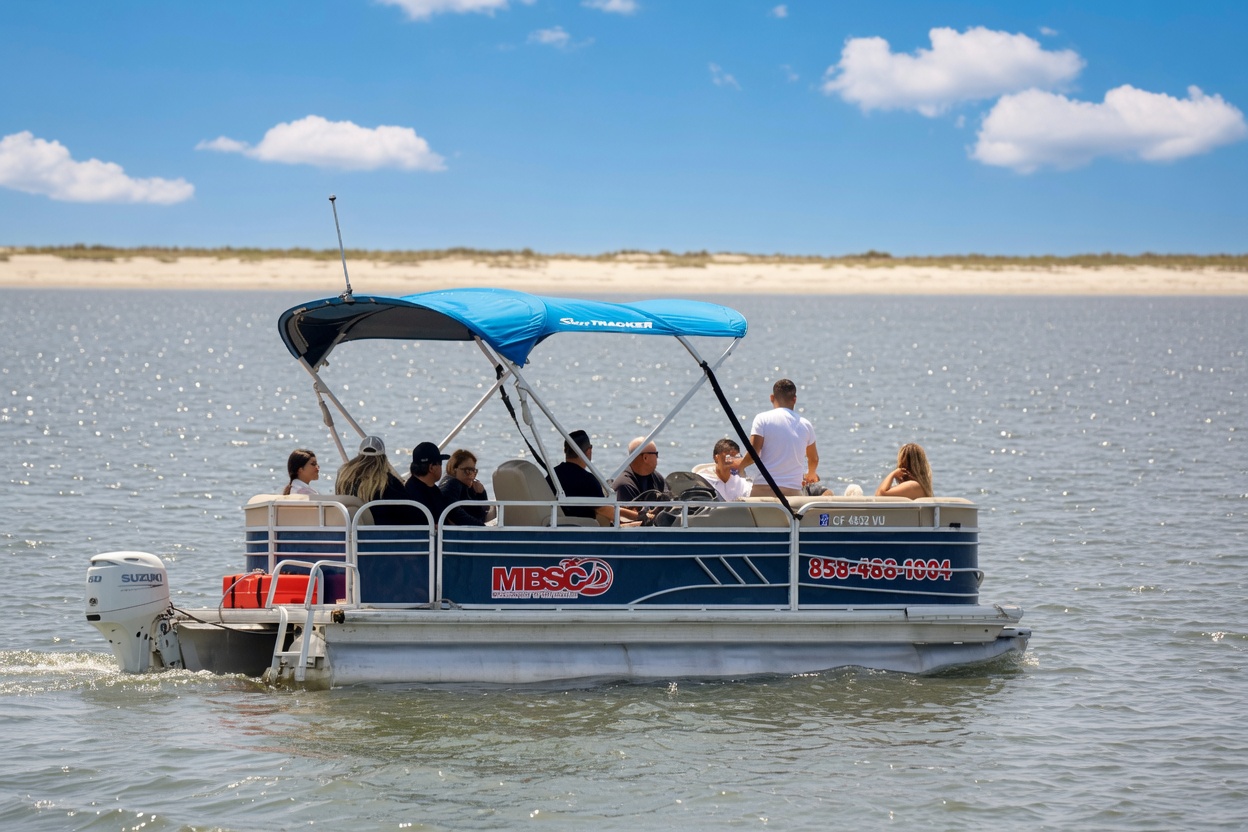
Ready for your Mission Bay day?
Choose your rental. Arrive prepared. Meet us at the water.
Check live availability, arrive about 30 minutes early with your government-issued ID and credit card, and let the front desk and dock teams guide you through the rest.