
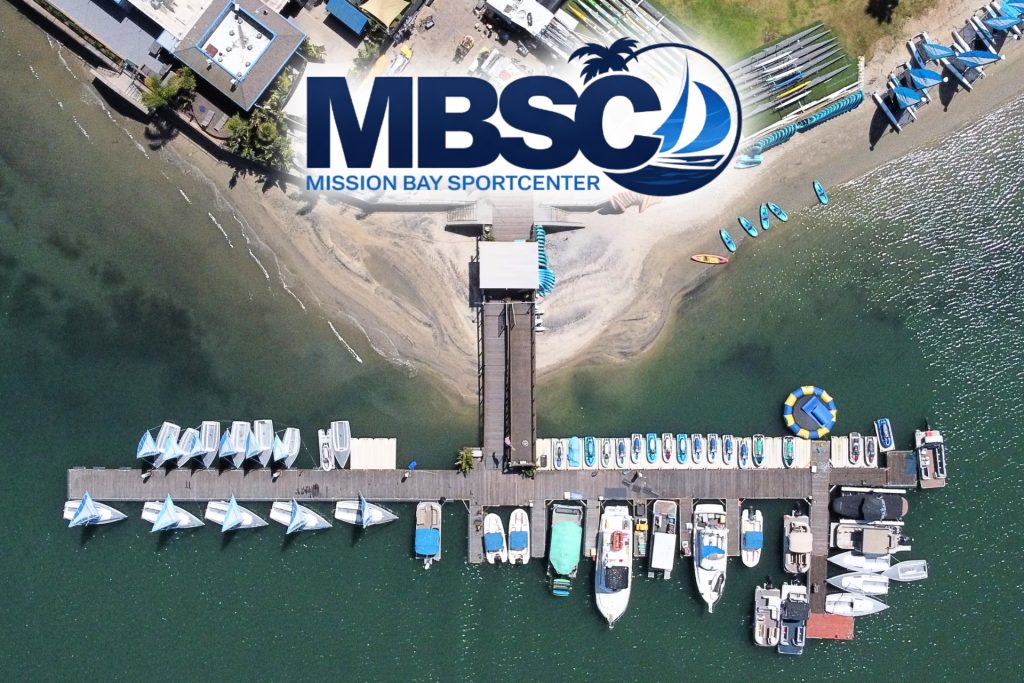
Mission Bay Water Sports Rentals, Parking & Directions
Find Mission Bay Sportcenter at 1010 Santa Clara Place, directly on Mission Bay near Mission Beach and Pacific Beach. Get directions, plan for parking, review arrival details and choose your rental before you reach the waterfront.
Check in where your Mission Bay experience begins.
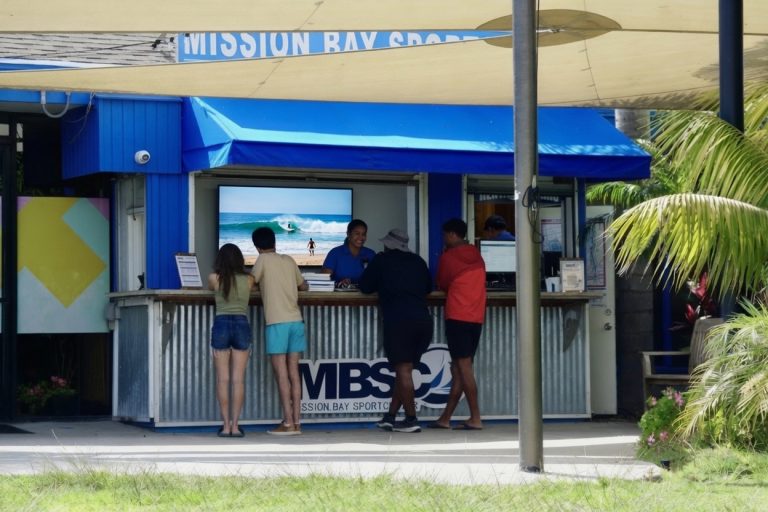
Mission Bay Sportcenter sits on the north end of Santa Clara Point. Standard on-site rentals check in at the front desk, complete the required paperwork and safety process, then move toward the dock or beach launch from the same waterfront property.
Map and directions to Mission Bay Sportcenter.
Use the complete street address in your navigation app. The entrance is on Santa Clara Point, with check-in at the Mission Bay Sportcenter front desk.
Parking, rideshare and check-in tips.
Mission Bay gets busy on sunny weekends, holidays and event days. Build parking and group coordination into your arrival time so the reservation can start as smoothly as possible.
Before you leave
- Confirm your start time. Use the booking confirmation or live FareHarbor calendar for the reservation details.
- Use the full address. Enter 1010 Santa Clara Pl., San Diego, CA 92109 in your maps or rideshare app.
- Allow extra parking time. Parking can be limited during busy Mission Bay periods. Follow posted parking signs and restrictions.
- Keep your group together. Have the primary renter, required ID and credit card ready at the front desk.
- Dress for the water. Bring sun protection and secure anything you do not want to get wet before launch.
From arrival to the bay
- Park or exit your rideshare. Meet your group at the Mission Bay Sportcenter entrance.
- Check in at the front desk. Confirm the booking and complete the required rental process.
- Prepare for launch. Store personal items, meet the dock team and receive rental-specific guidance.
- Start from the waterfront. Launch after staff completes the applicable safety briefing and equipment checkout.
Call (858) 488-1004 before the reservation so the team can explain current parking, group check-in and waterfront access conditions.
Water sports rentals from this location.
Compare the most popular ways to get on the water, then open the dedicated rental page for requirements, current details and booking access.
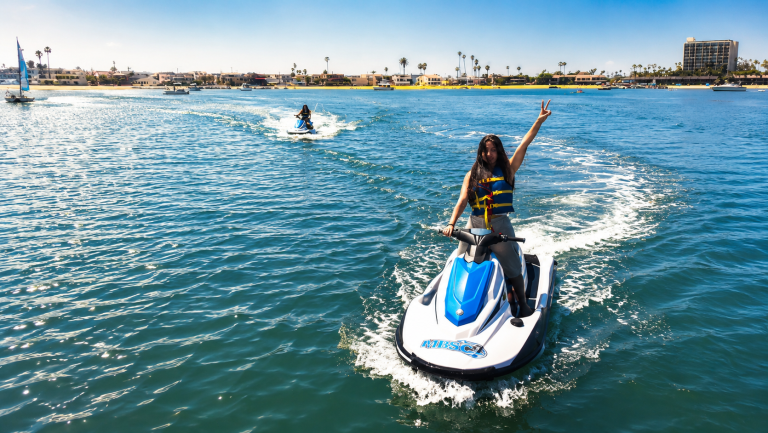
Jet Ski Rentals
High-energy Yamaha WaveRunner riding with required eligibility, preparation and Mission Bay operating boundaries.
Explore Mission Bay jet skis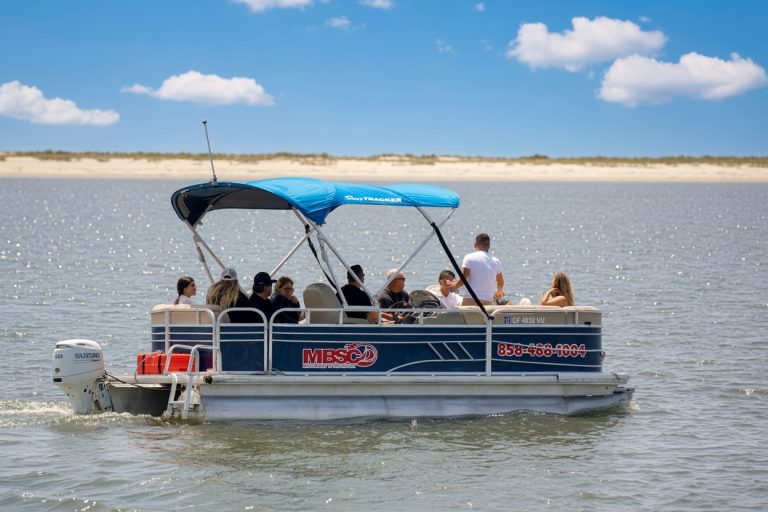
Pontoon Boat Rentals
Keep family, friends or a celebration group together for an easy self-operated cruise around Mission Bay.
Explore pontoon rentals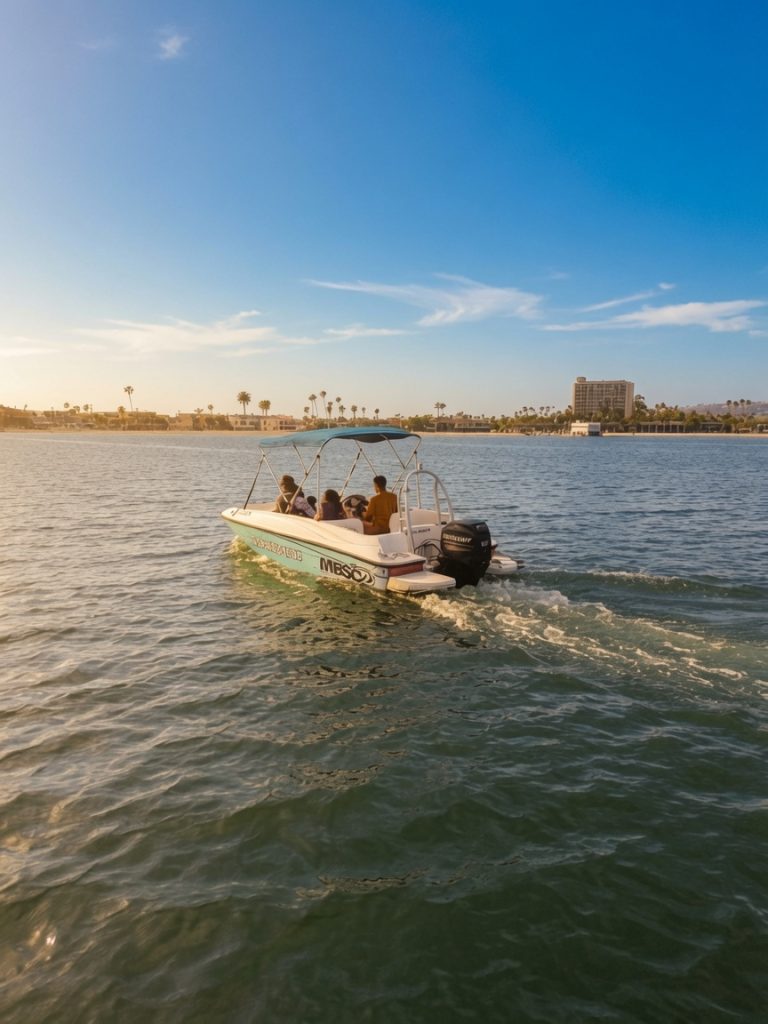
Ski Boat Rentals
A private powered option for smaller groups that want a faster Mission Bay cruise. Towing is not permitted.
Explore ski boat rentals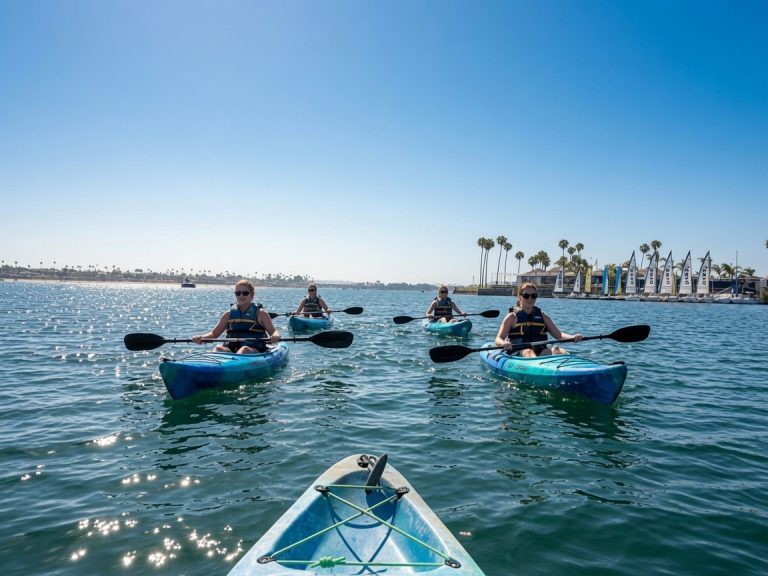
Kayak Rentals
Choose a stable single or tandem kayak for relaxed sightseeing and beginner-friendly paddling on the bay.
Explore kayak rentals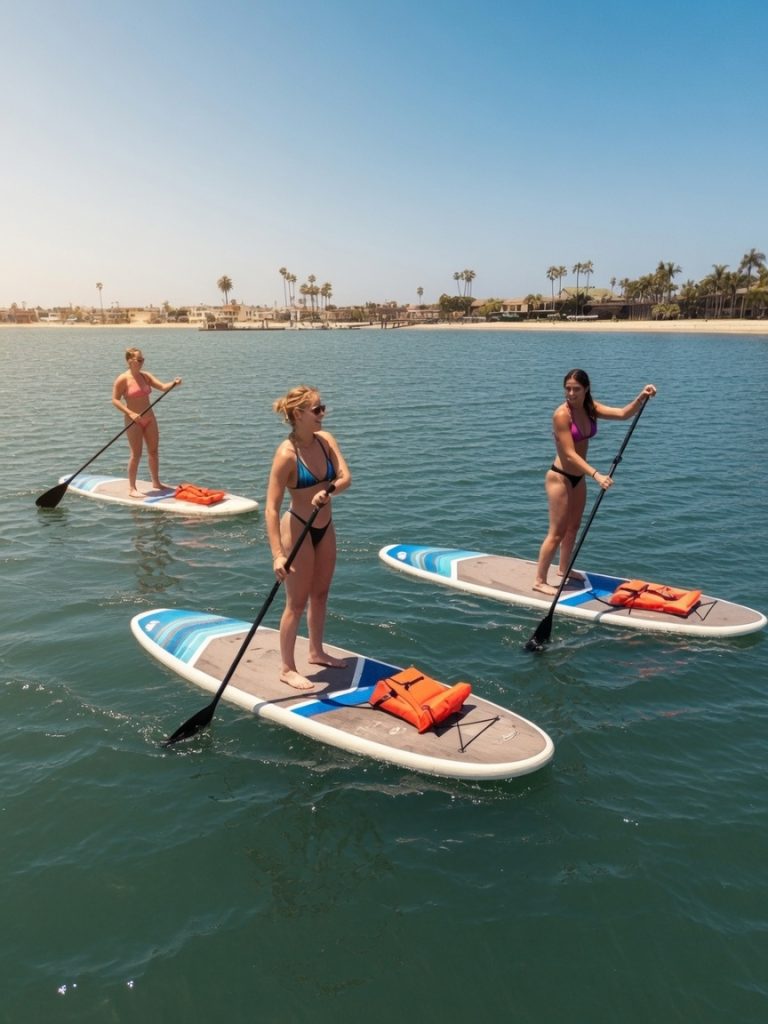
Paddleboard Rentals
Launch a stable stand up paddleboard for an active, scenic and approachable way to explore Mission Bay.
Explore paddleboard rentals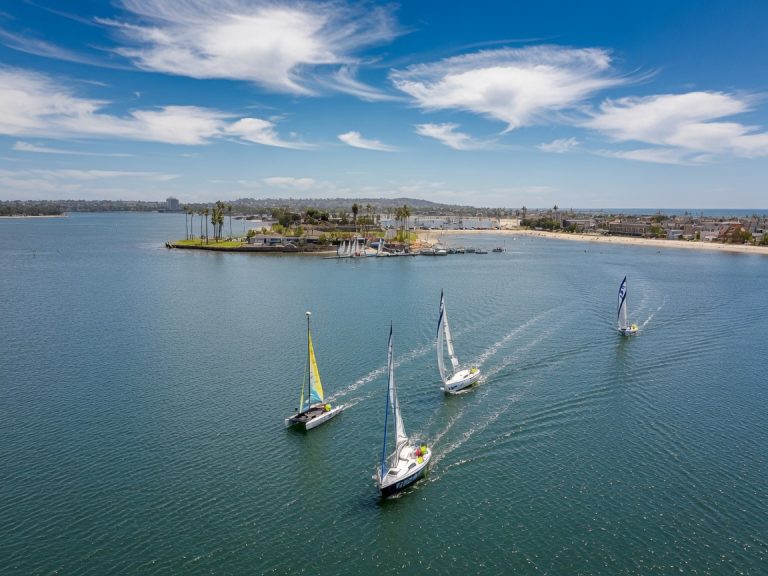
Sailboats & Catamarans
Compare Capri and Catalina sailboats with Hobie catamarans for your experience level, group and conditions.
Compare sailing rentalsPlan the rest of your Mission Bay visit.
Use these practical guides to understand check-in, rental rules, the bay layout and responsible recreation before departure.
What to Expect
Follow the guest journey from the front desk to the dock and waterfront launch.
02 / ANSWERSRental FAQ
Review common questions about requirements, equipment, parking and rental types.
03 / NAVIGATIONMission Bay Map
See the bay layout, landmarks and planning information before heading onto the water.
04 / THE BAYMission Bay Eco Guide
Learn about wetlands, eelgrass, wildlife and responsible recreation around Mission Bay.
One address. One waterfront. More ways to explore.
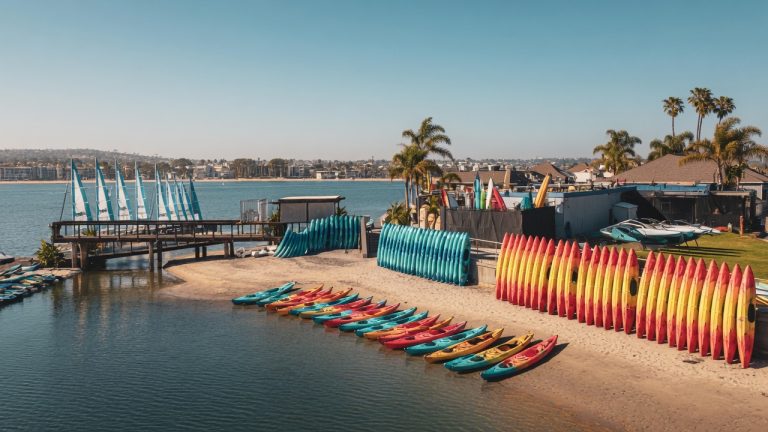
The Mission Bay Sportcenter location brings front desk check-in, dock support and multiple rental categories together at Santa Clara Point.
Answers before you head to Santa Clara Point.
Still unsure about your reservation or rental requirements? Call the front desk before leaving so the team can confirm the current details.
Where is Mission Bay Sportcenter located?
Where do rental guests check in?
How early should we arrive?
Is parking guaranteed?
Can we use Uber, Lyft or another rideshare service?
What should the primary renter bring?
Can rental equipment leave Mission Bay?
Is the facility accessible?
Choose the rental. Find the waterfront. Start the day.
Compare live availability, reserve online and navigate to 1010 Santa Clara Place with enough time for parking, check-in and the required rental preparation.